Join as a listener
Enter available rooms, listen to the conversation and interact through supported room controls.
Voice Rooms
BAMITY Voice Rooms support listeners, speakers, 4–20 seats, Host/co-host controls, seat requests and locks, gifts, sharing, privacy modes and persistent room identity.
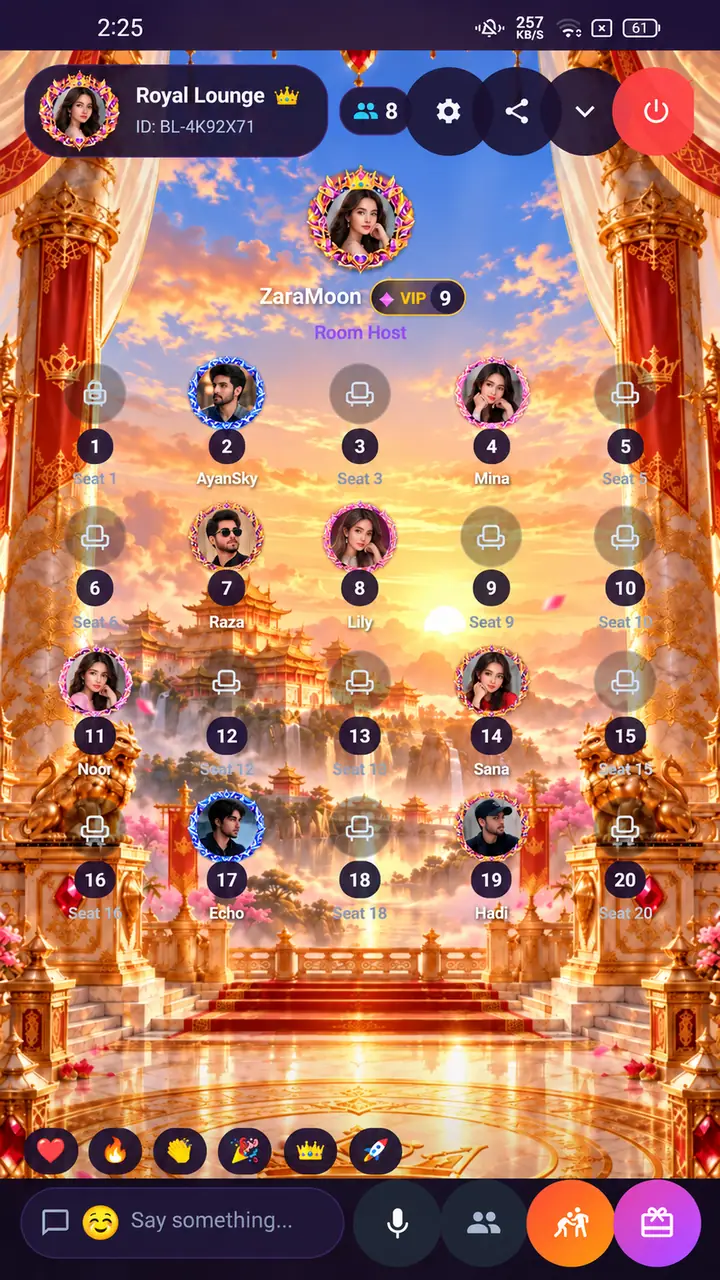
Inside BAMITY
From browsing voice parties to the complete 20-seat room interface, explore both sides of the Voice Room experience.
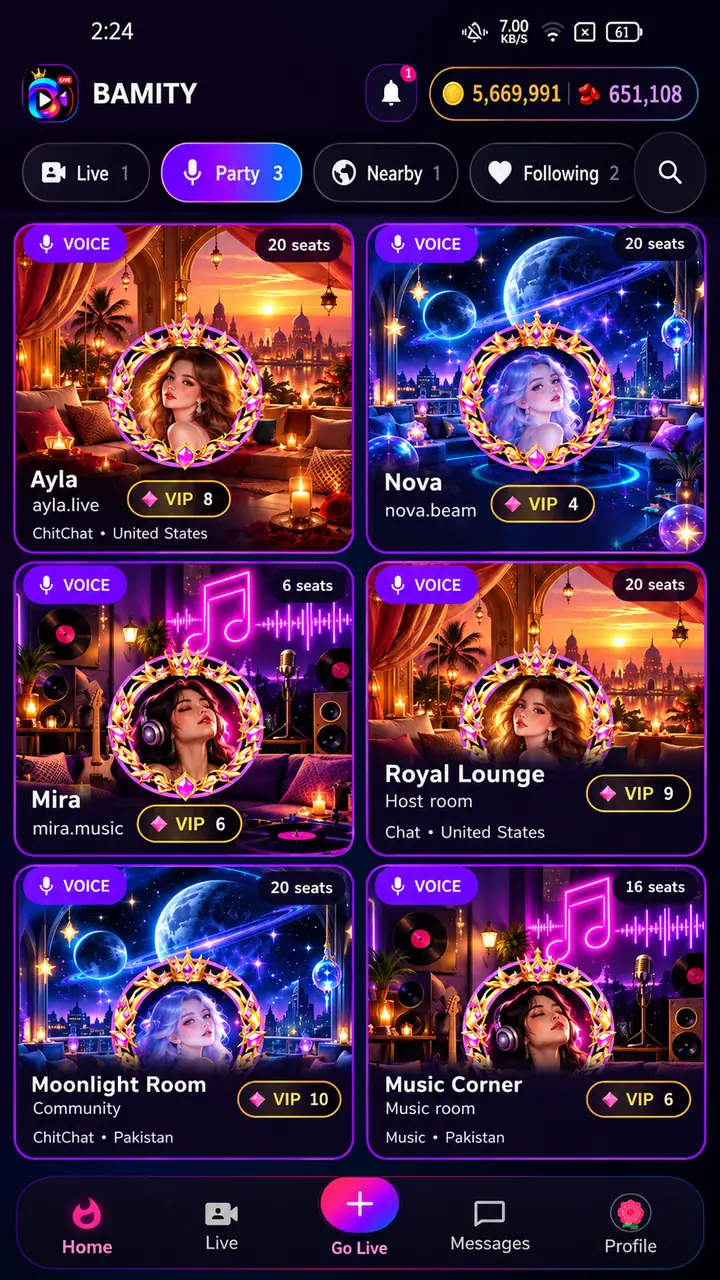
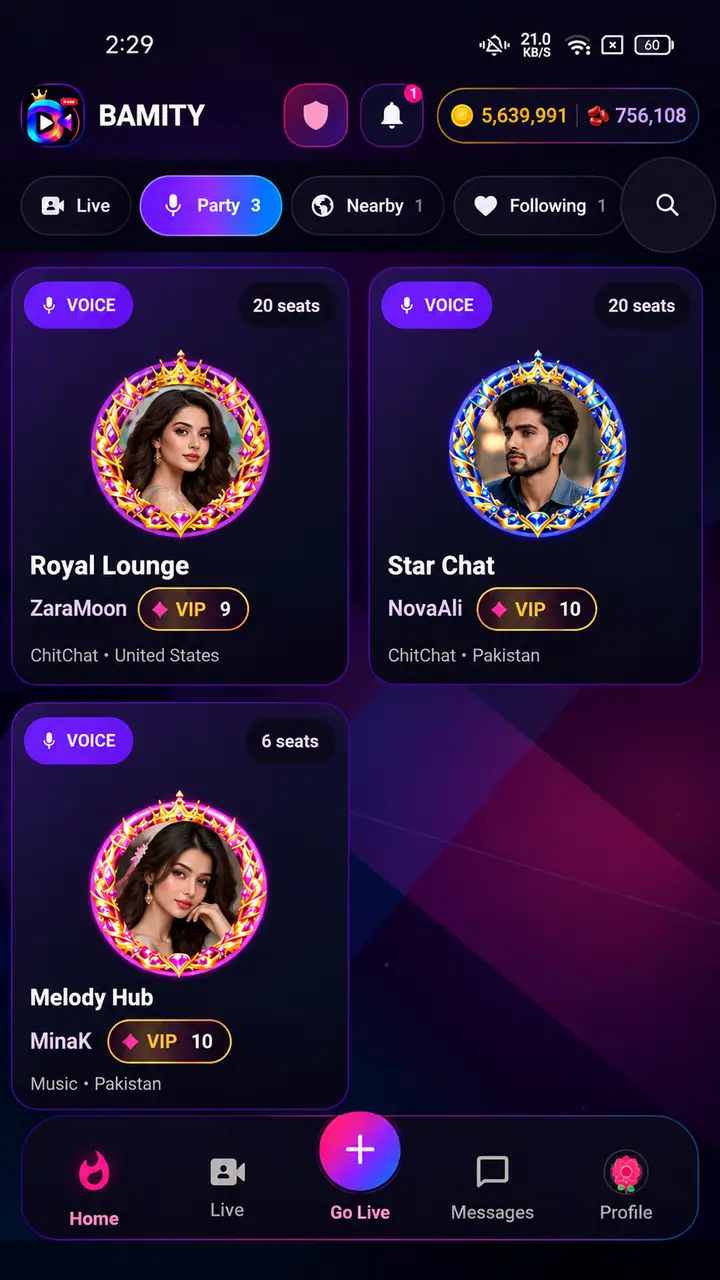
Enter available rooms, listen to the conversation and interact through supported room controls.
Voice Room creation currently requires VIP Level 3 and server-side eligibility confirmation before the room can start.
Rooms support 4–20 seats. Users can request an available microphone/seat, while Hosts can accept or decline requests, mute supported seats and lock seats according to room authority.
Rooms retain persistent identity, history and follower context. Supported room covers, level backgrounds and VIP entrance visuals are tied to the current room/user state.
Supported rooms can use public, followers-only or password access. Authorized moderation/oversight rules remain server-controlled.
Hosts, co-hosts and authorized room roles can use the moderation and speaker-management controls permitted by the current room state.
Single-recipient and supported Gift All flows use authoritative catalog and balance rules, with Voice PK available through supported room flows.